
Games in Crystal, top to bottom.
Eagle is a 2D and 3D game engine written entirely in Crystal. It has a scene tree, signals, physics, audio, UI and a WebAssembly target, and your game compiles to a single executable.
$ brew install sdl2
$ git clone https://github.com/joeyrobert/eagle.cr && cd eagle.cr
$ shards build && bin/eagle examples asteroids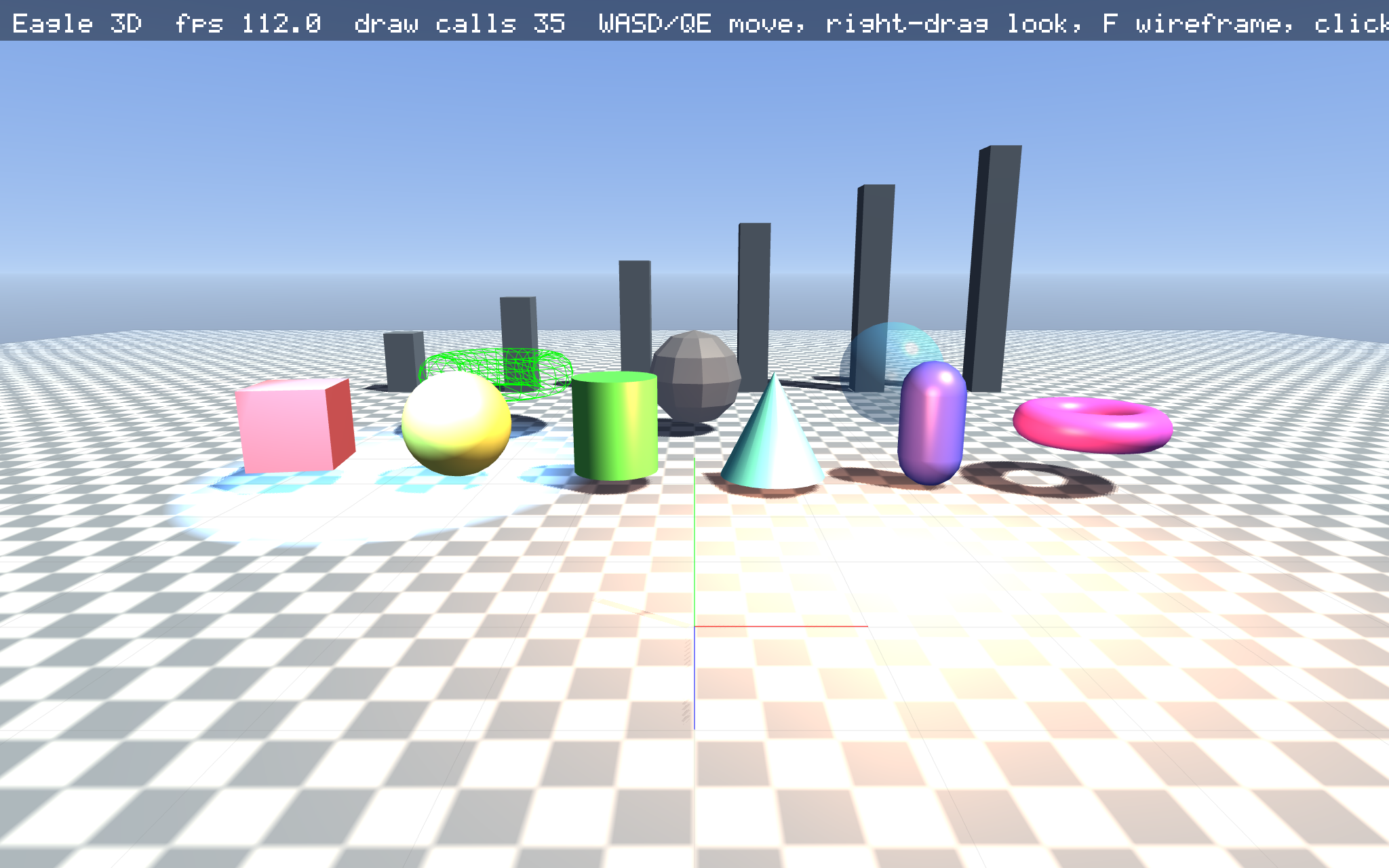
Inside the engineEverything here is implemented in Crystal and covered by specs.
Crystal all the way down
PNG, QOI, BMP, WAV and Ogg Vorbis codecs, zlib, a TrueType rasteriser, the audio mixer, physics, particles, UI and the 3D renderer are all Crystal. SDL2 and OpenGL sit underneath, and nothing else.
Two ways to draw
Write a LÖVE-style load, update, draw loop with immediate-mode calls, or build a Godot-style node tree with signals. Mixing the two is fine.
2D and 3D
Batched sprites, cameras, tile maps and particles. Meshes, materials, directional, point and spot lights, PCF shadows, fog and a procedural sky.
Physics that stacks
2D SAT with clipped manifolds, 3D spheres and oriented boxes, kinematic characters with move_and_slide, raycasts and sensors.
Runs in the browser
One command compiles a game to WebAssembly and WebGL2. Same code, same rendering, assets embedded in the binary.
Ships as one file
eagle export exe bakes assets into a single executable. eagle export web makes a static bundle, and there is a macOS .app target too.
Tested end to end
More than 200 specs, including GPU pixel tests, perft-verified chess, bit-exact Vorbis decoding and integration specs that drive the real frame loop with injected input.
Tools included
The eagle CLI scaffolds projects and opens viewers for images, OBJ, TTF, WAV and hot-reloading GLSL. Frame-limited screenshot runs make CI easy.
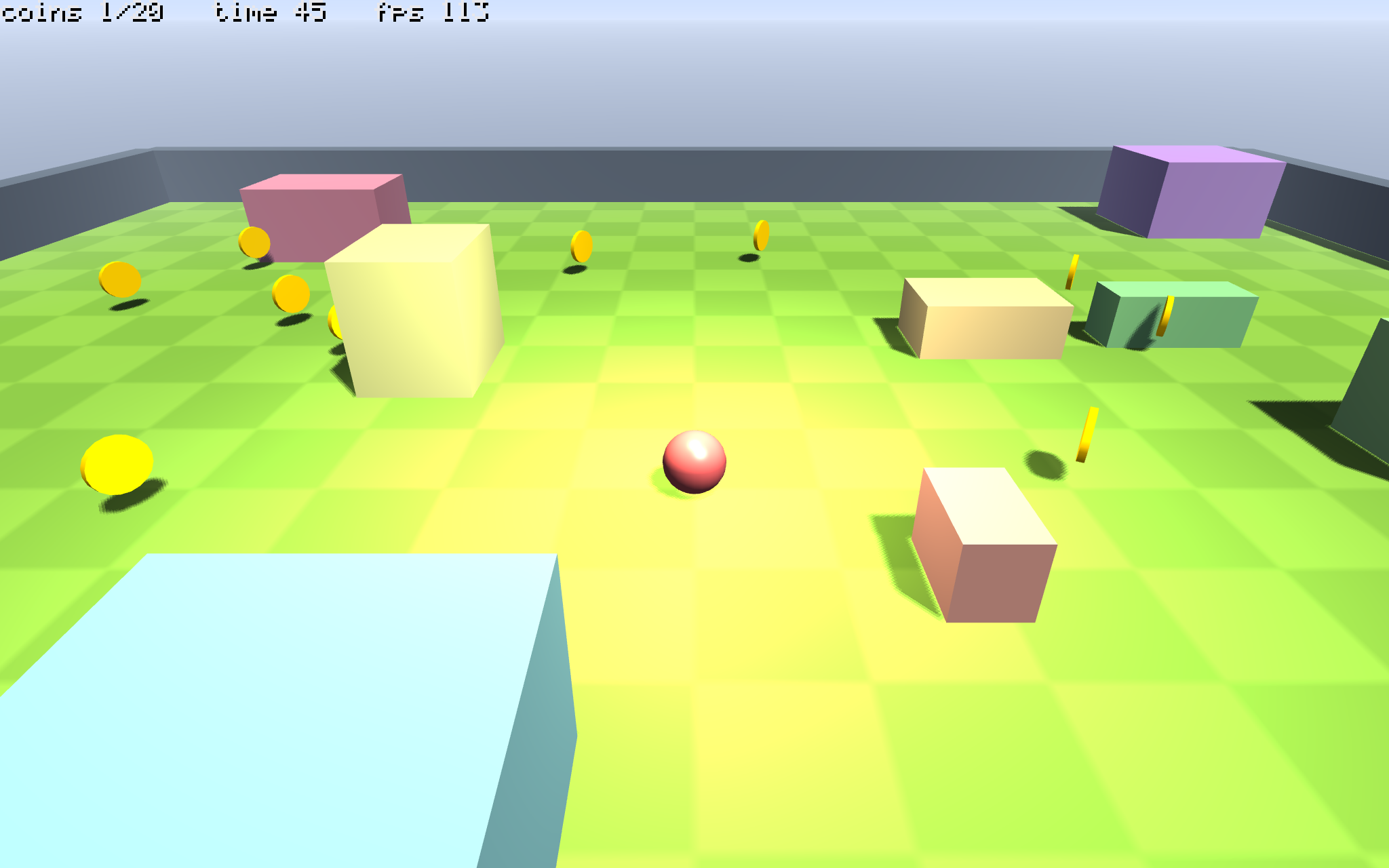
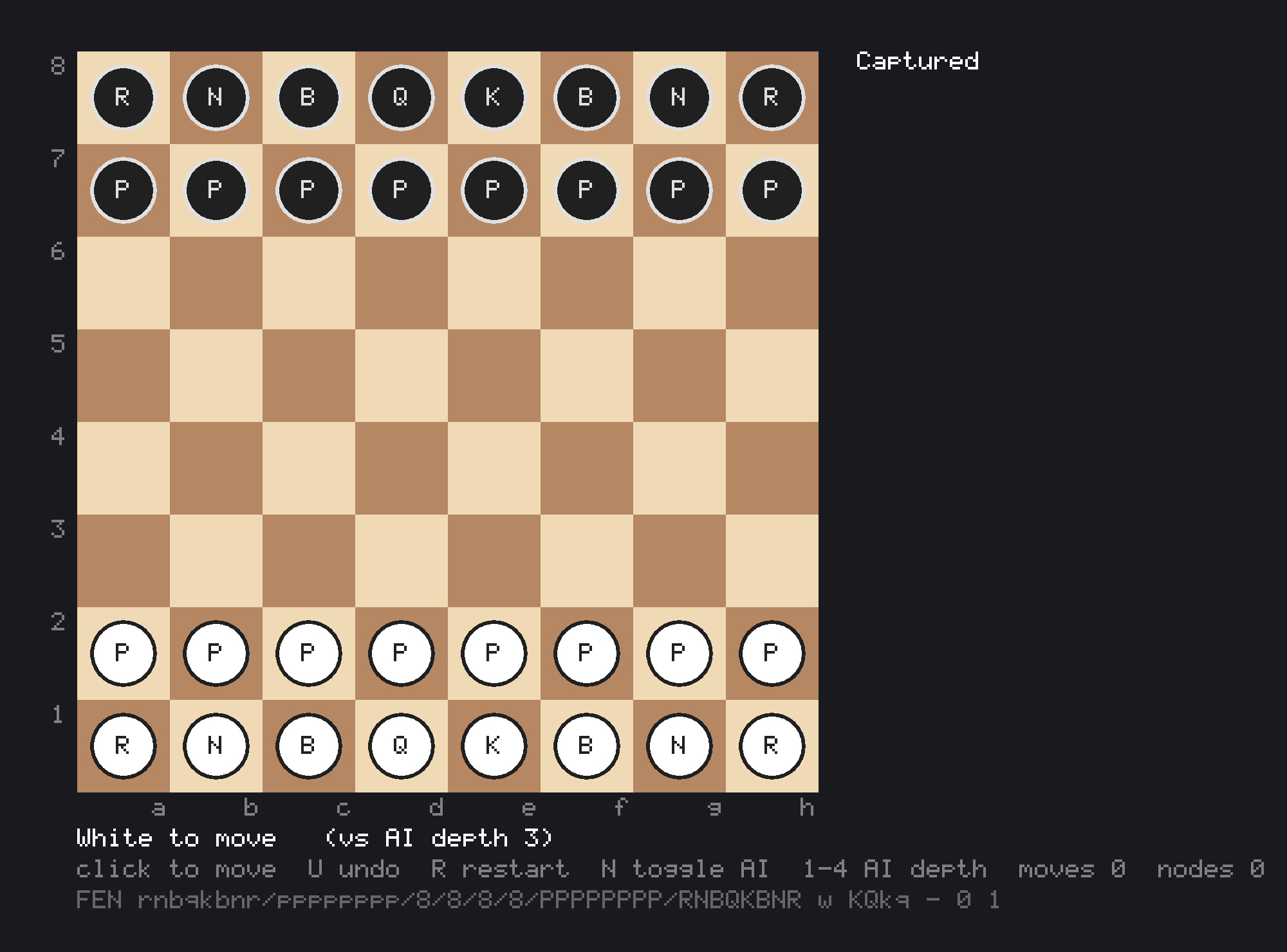
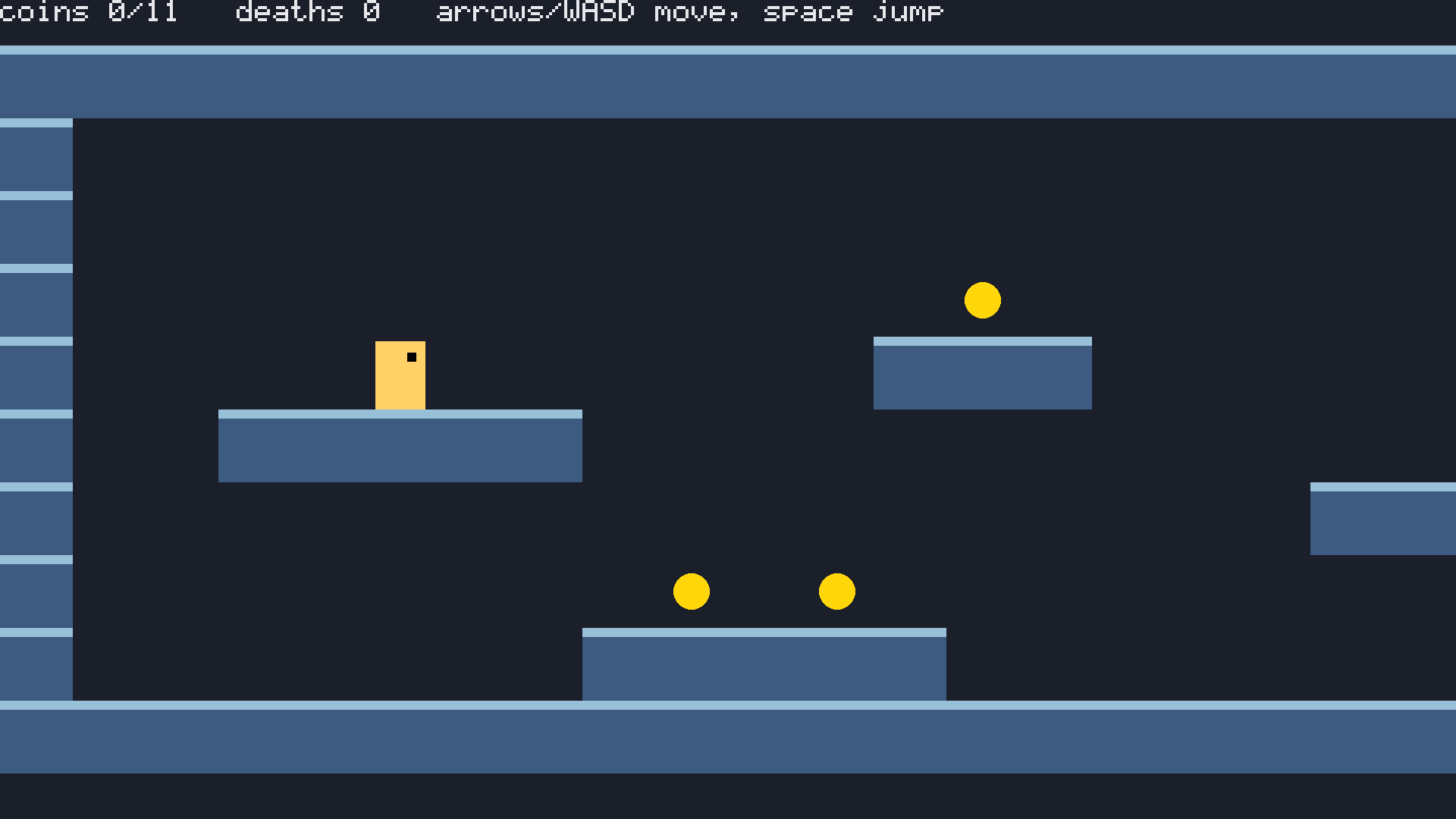
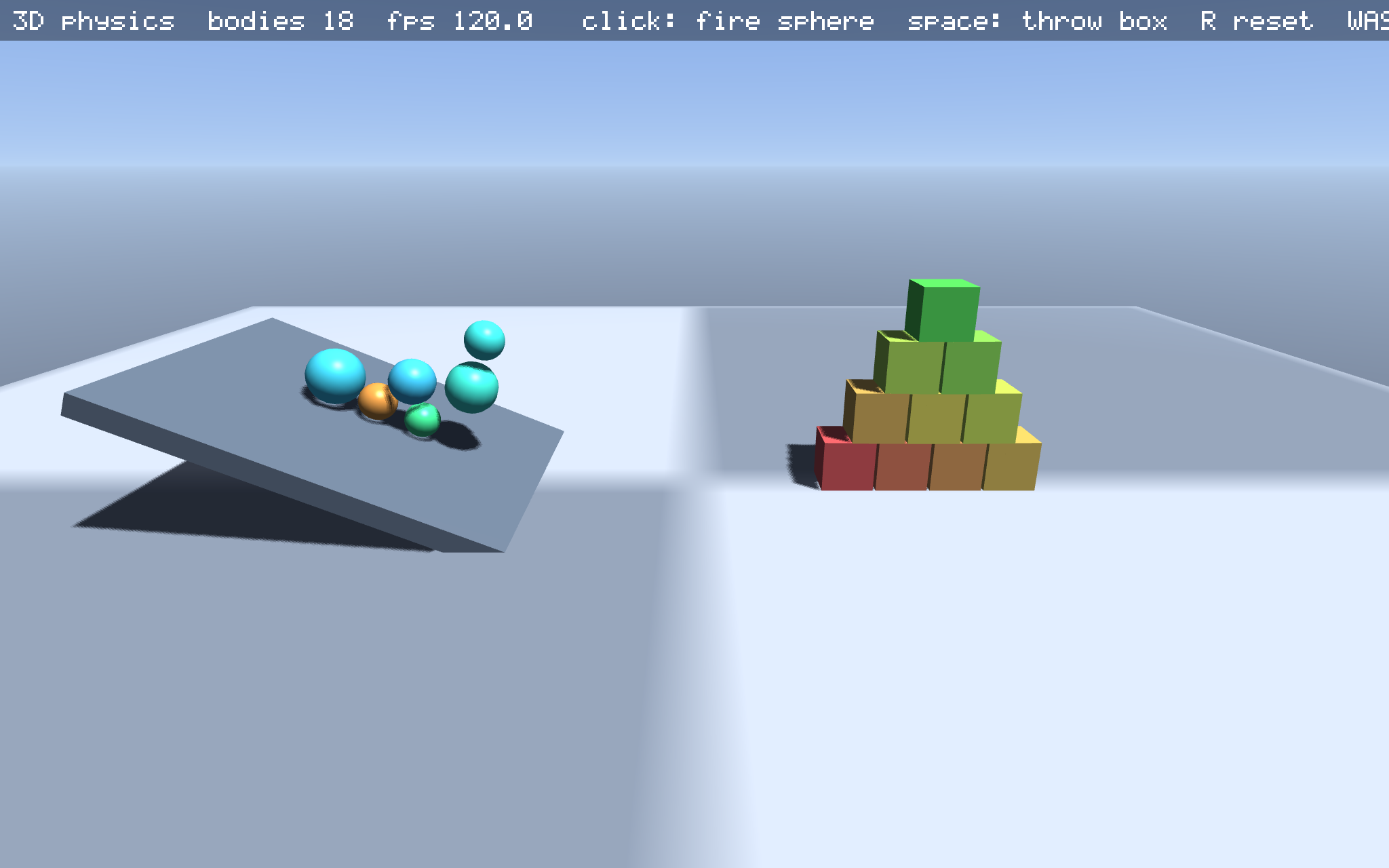
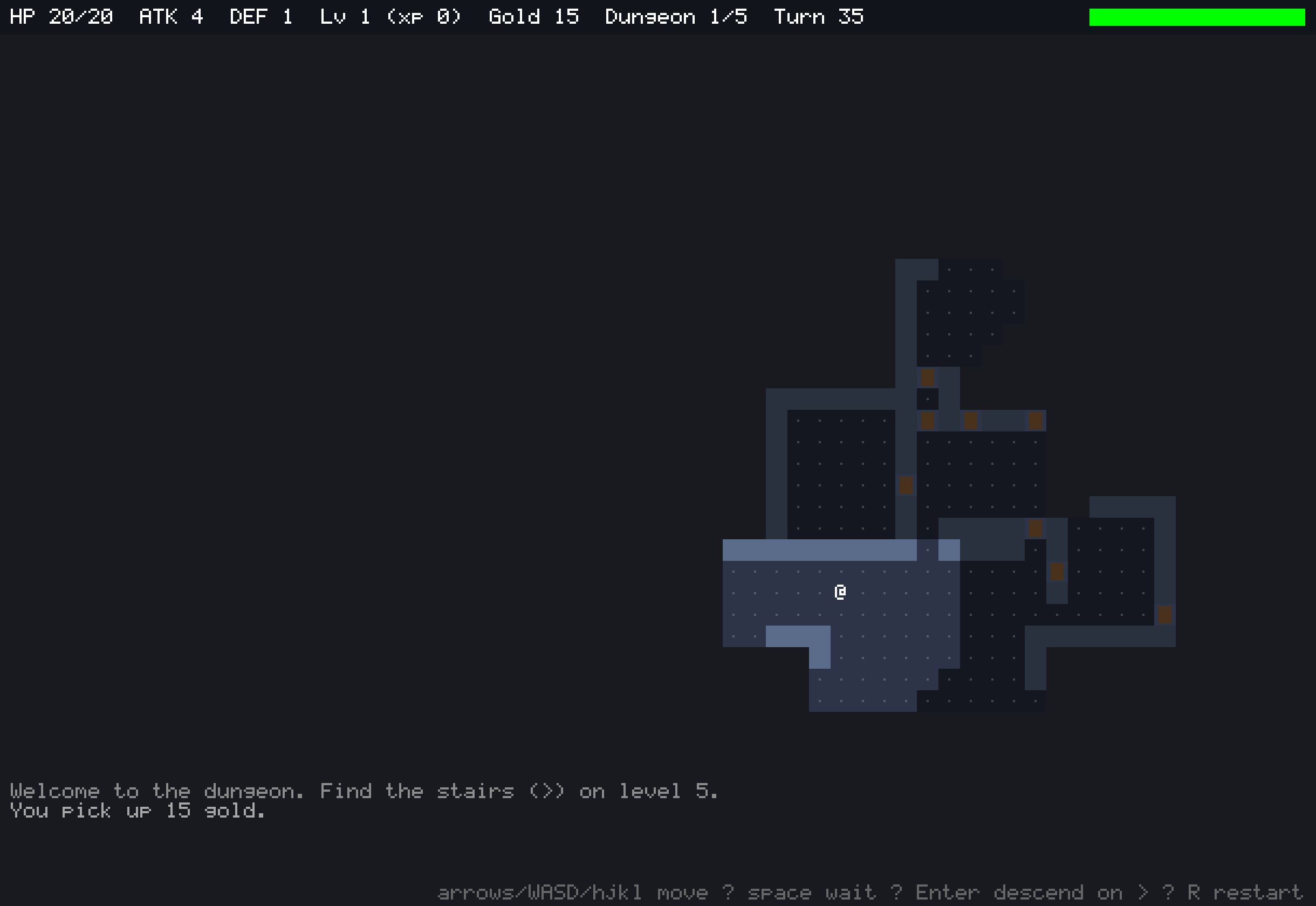
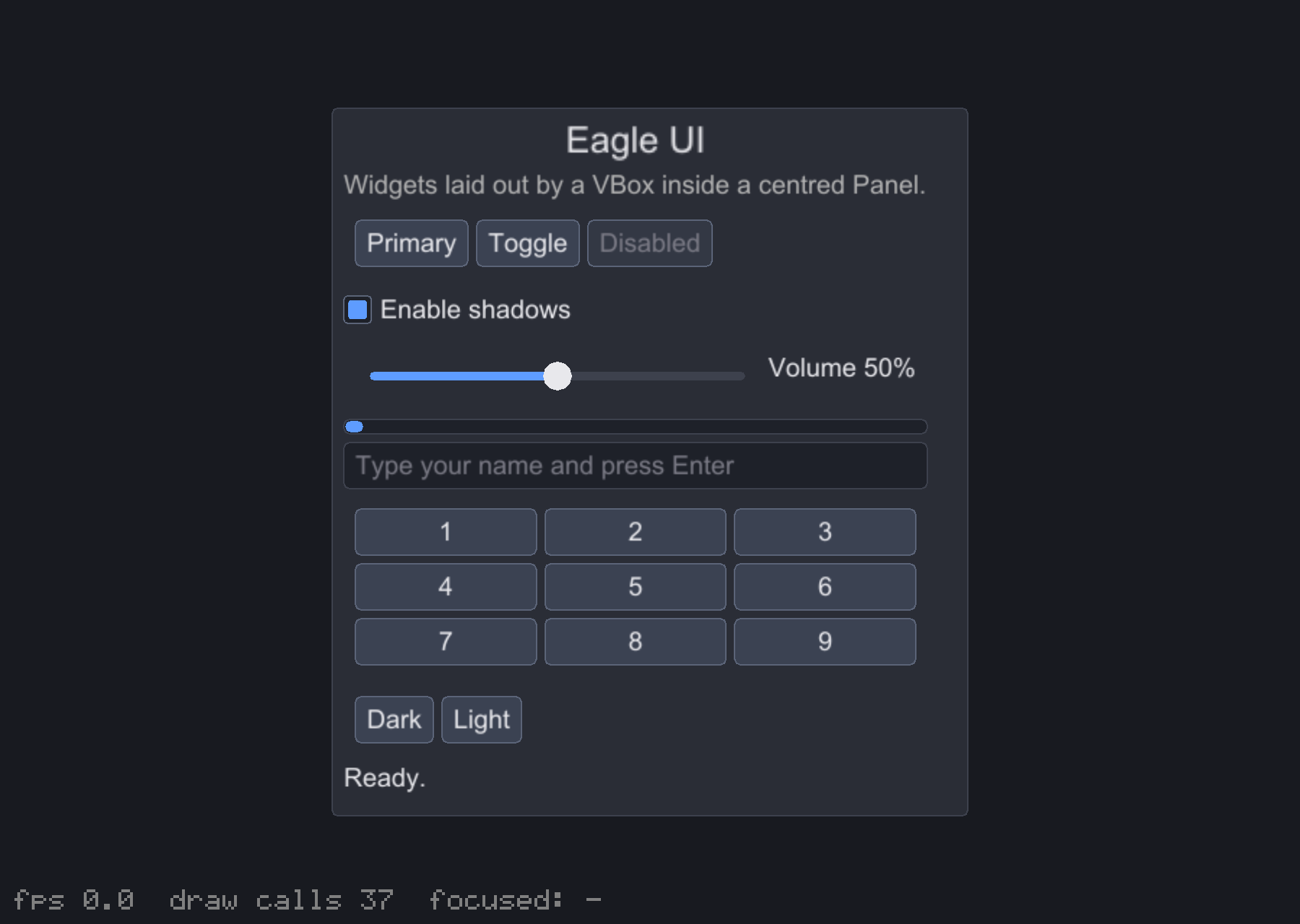
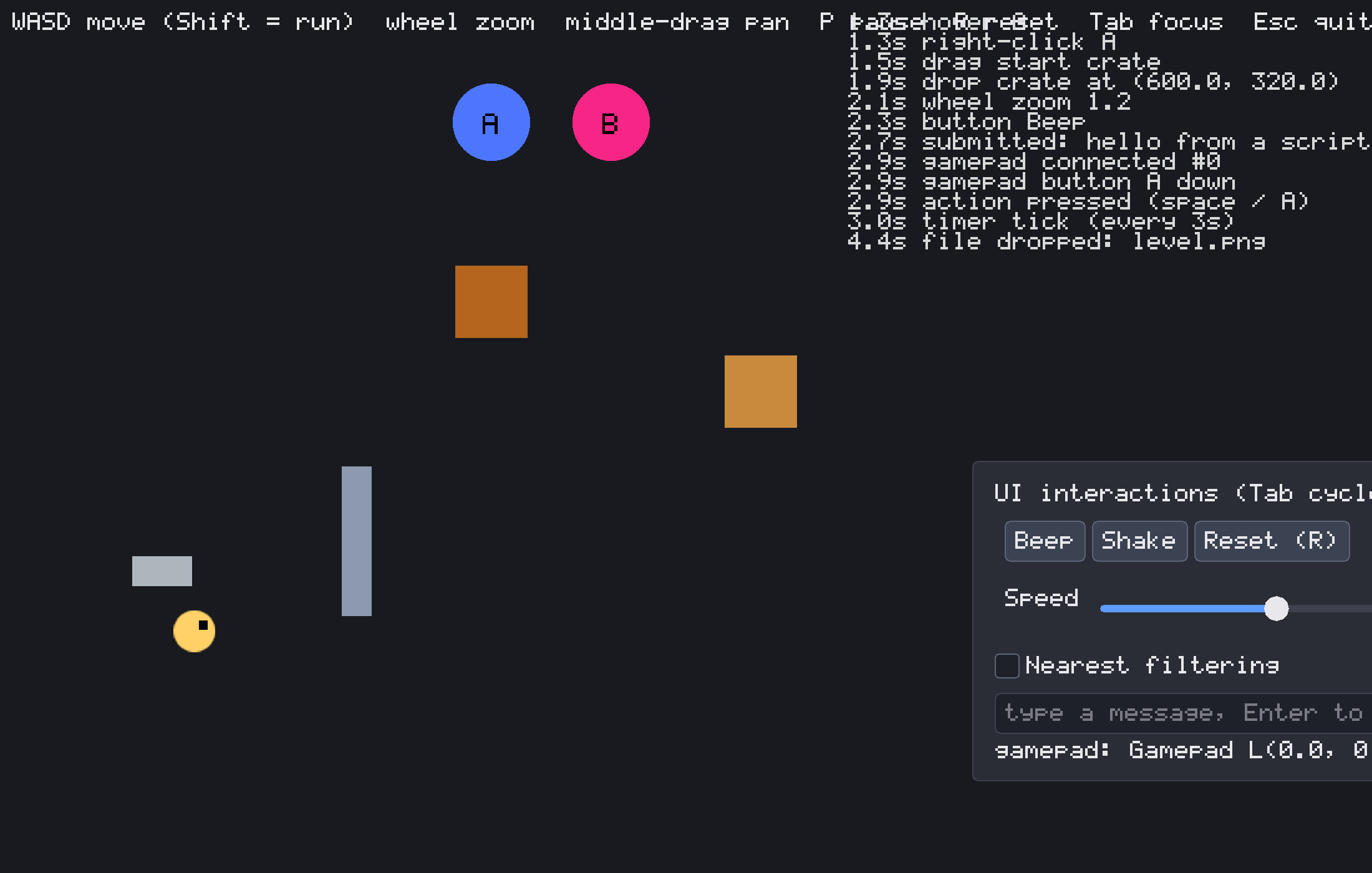
ExamplesEach one is a complete program that also runs in your browser. Click a screenshot to play it.
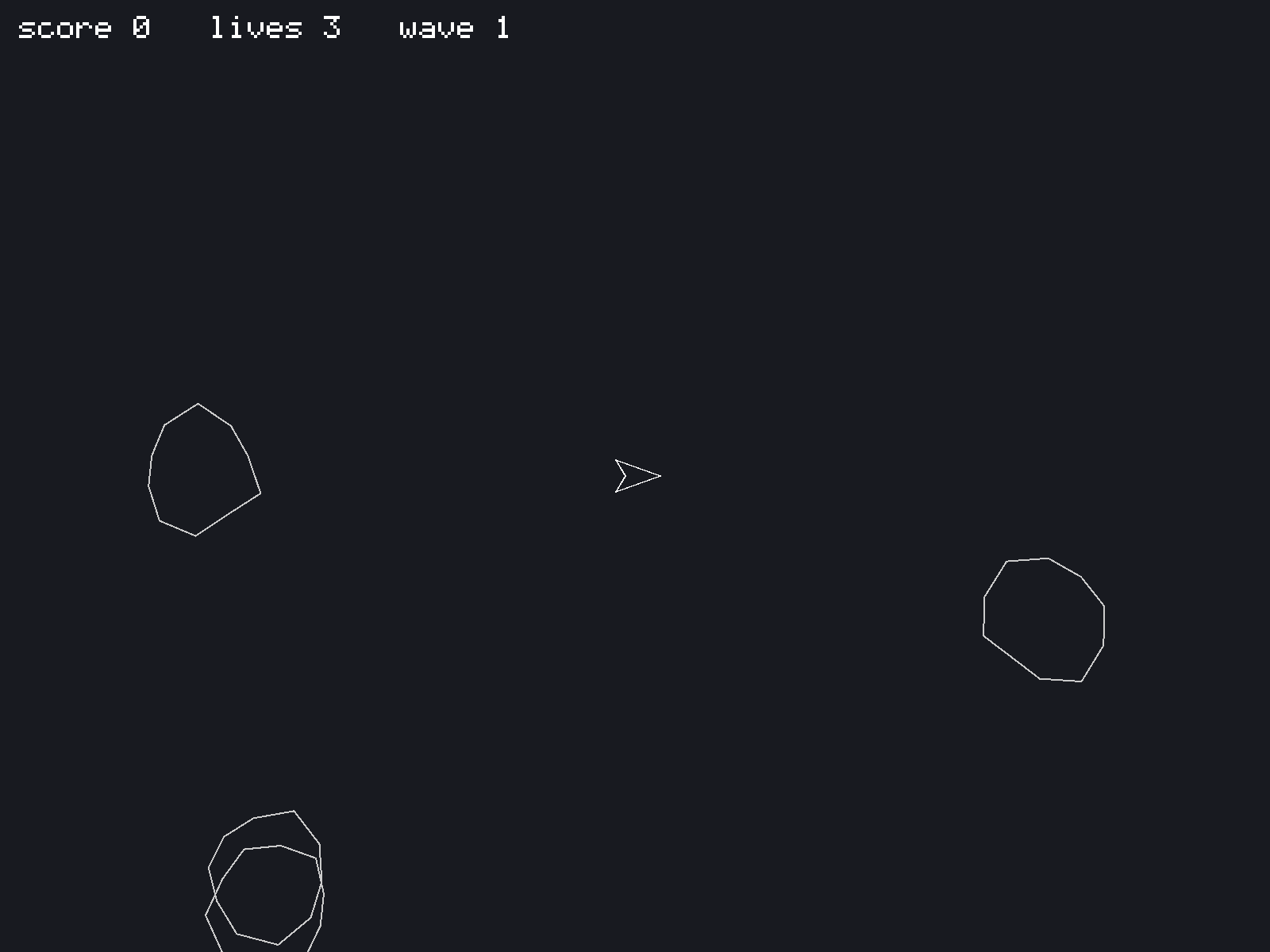
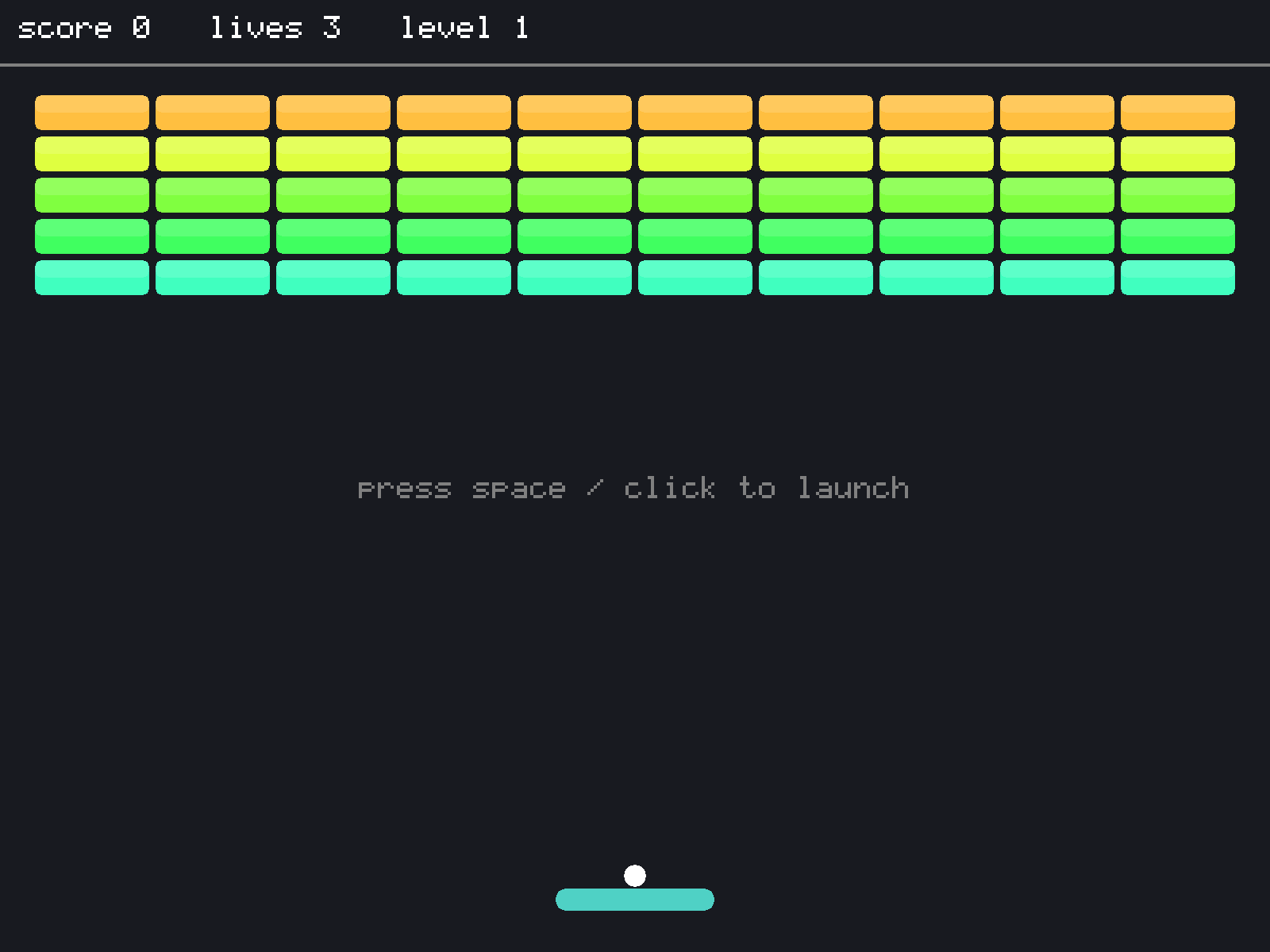
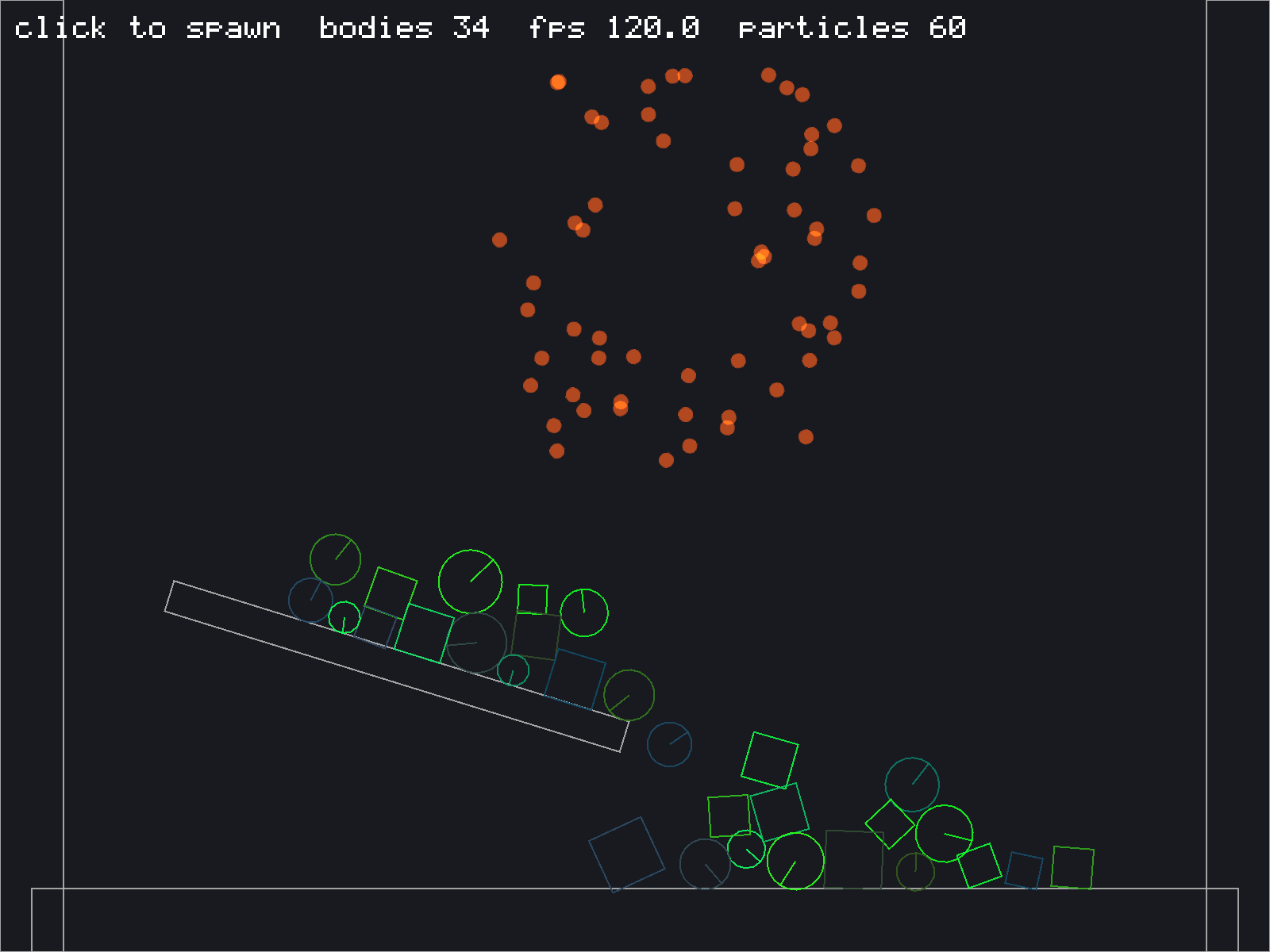
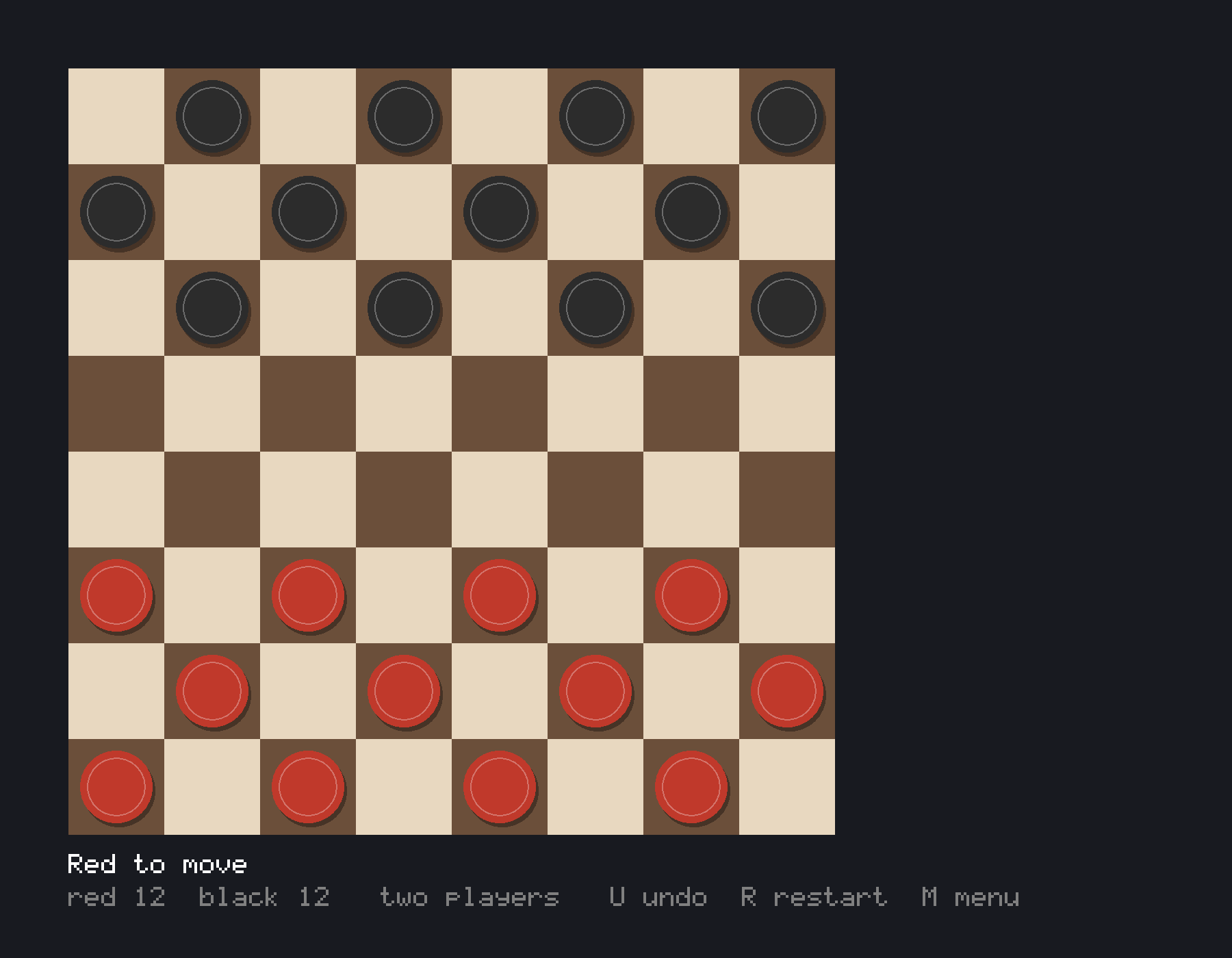
A taste of the APISimple things stay short, and the harder things are still possible.
require "eagle"
include Eagle

class Game < App
  @player = Sprite2D.new(Texture.load("res://player.png"), Window.center)
  @score = 0

  def load : Nil
    Input.map "left", Key::A, Key::Left, Input.axis(GamepadAxis::LeftX, -1)
    Input.map "right", Key::D, Key::Right, Input.axis(GamepadAxis::LeftX, 1)
    SceneTree.root.add(@player)
  end

  def update(dt : Float32) : Nil
    @player.x += Input.axis("left", "right") * 250 * dt
    @score += 1 if Input.pressed?(Key::Space)
  end

  def draw(g : Graphics) : Nil
    g.print("score #{@score}", 10, 10, scale: 2)
  end
end

Eagle.run(Game, title: "My Game", width: 960, height: 540)
class Bullet < Area2D
end
class Enemy < Area2D
signal died(points : Int32)
def initialize(position : Vec2)
super("Enemy", position)
circle(12)
add(Sprite2D.new(Texture.new(Image.circle(24, Color::RED))))
on_body_entered { |other| hit if other.is_a?(Bullet) }
end
def hit : Nil
emit_died(100)
Tween.value(Color::WHITE, Color::TRANSPARENT, 0.2) { |c| self.modulate = c }
.on_complete { queue_free }
end
end
score = 0
boom = Sound.tone(90, 0.3, Sound::Wave::Noise)
enemy = Enemy.new(v2(300, 200))
enemy.on_died { |points| score += points; boom.play }
SceneTree.root.add(enemy)class Player < KinematicBody2D
def physics_process(dt : Float32) : Nil
self.velocity += v2(0, 1400 * dt) # gravity
self.velocity = v2(Input.axis("left", "right") * 220, velocity.y)
self.velocity = v2(velocity.x, -520) if Input.pressed?("jump") && on_floor?
move_and_slide(dt)
end
end
ground = StaticBody2D.new(position: v2(400, 580)).box(800, 40)
ball = RigidBody2D.new(position: v2(400, 0)).circle(16)
ball.restitution = 0.6
bounce = Sound.tone(440, 0.08)
ball.on_body_entered { |other| bounce.play }
player = Player.new(position: v2(100, 100)).box(24, 40)
SceneTree.root.add(ground, ball, player)
if hit = Physics2D.world.raycast(player.position, v2(1, 0), 200)
puts "wall #{hit.distance} px ahead"
endroot = SceneTree.root
cam = Camera3D.new(position: v3(0, 3, 8))
cam.look_at(Vec3::ZERO)
root.add(cam)
root.add(DirectionalLight3D.new(v3(-0.5, -1, -0.3))) # casts PCF shadows
grass = Texture.new(Image.checkerboard(64, 64, 8, Color.hex("#4a7a3a"), Color.hex("#3d6630")), wrap: GPU::Wrap::Repeat)
root.add(MeshInstance3D.new(Mesh.plane(40, 40, uv_scale: 10), Material.new(texture: grass)))
crate = MeshInstance3D.new(Mesh.cube, Material.new(Color::ORANGE, shininess: 48), position: v3(0, 0.5, 0))
root.add(crate)
Scene3D.environment.fog(20, 80)
Scene3D.environment.sky_colors(Color.hex("#3b6fd6"), Color.hex("#b9d4f5"), Color.hex("#3a3a44"))
# picking: turn the crate red while the mouse is over it
if (box = crate.global_bounds) && cam.mouse_ray.intersect_aabb(box)
crate.material.albedo = Color::RED
endhud = CanvasLayer.new
panel = Panel.new(size: v2(320, 0))
panel.anchor = Anchor::Center
panel.fit_content = true
box = VBox.new(size: v2(300, 0))
box.position = v2(10, 10)
box.fit_content = true
box.add(Label.new("Settings"),
Slider.new(0, 100, 50).tap { |s| s.on_value_changed { |v| Audio.volume = v / 100 } },
CheckBox.new("Fullscreen").tap { |c| c.on_toggled { |on| Window.fullscreen = on } },
TextInput.new("", "player name").tap { |t| t.on_submitted { |name| puts "hi #{name}" } },
Button.new("Start") { SceneTree.change_scene(Node2D.new("Level")) })
panel.add(box)
hud.add(panel)
SceneTree.root.add(hud)
Theme.default.font = Font.load("res://Inter.ttf", 18)glow = Shader.effect(<<-GLSL)
uniform float u_strength;
vec4 effect(vec4 color, sampler2D tex, vec2 uv, vec2 screen) {
vec4 c = texture(tex, uv);
float pulse = 0.5 + 0.5 * sin(u_time * 4.0);
return c * color + c.a * pulse * u_strength;
}
GLSL
canvas = Canvas.new(320, 180) # low-res render target
g.with_canvas(canvas) do
g.circle(160, 90, 40, color: Color::YELLOW)
g.print("pixel perfect", 110, 150)
end
glow["u_strength"] = 0.3
g.with_shader(glow) { g.draw(canvas, Window.rect) }